
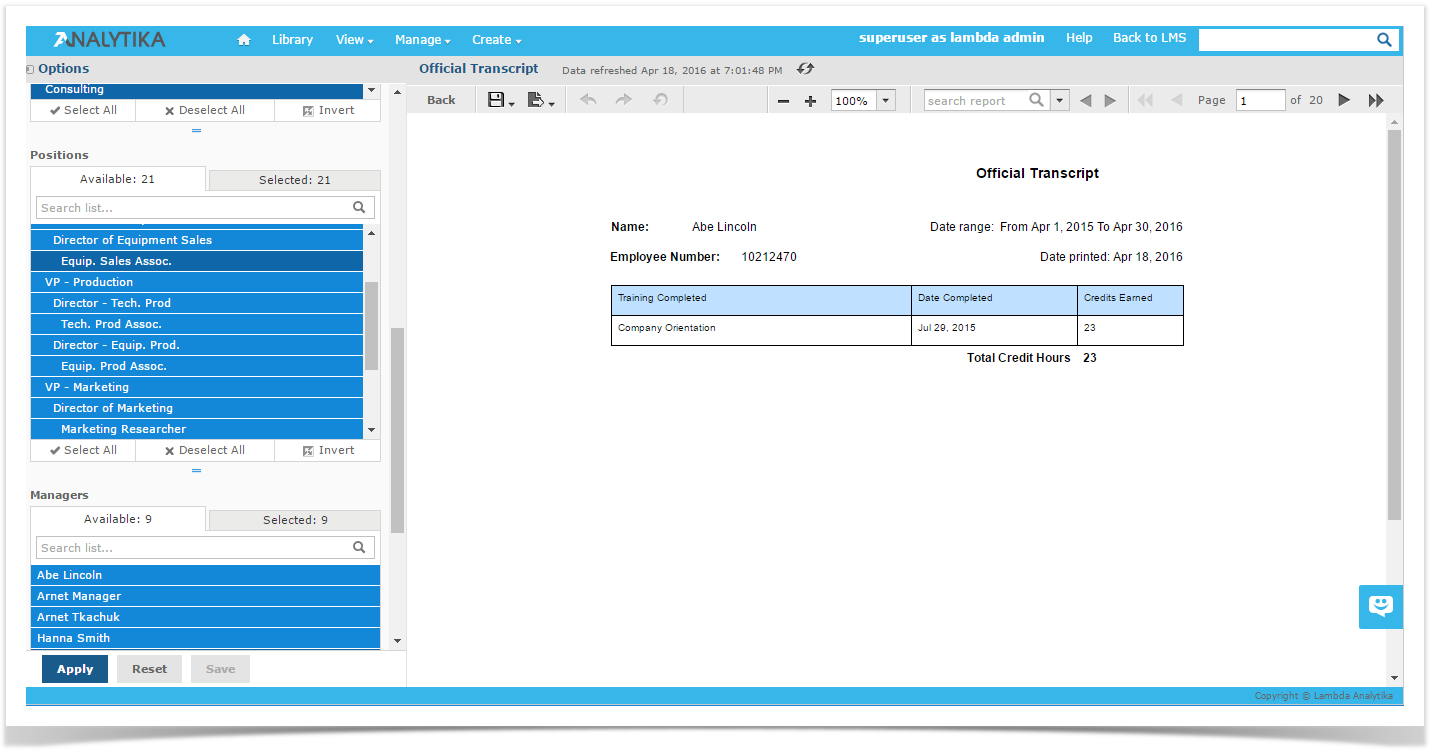
The Report Viewer allows you to view a report, export content to various output formats, and apply formatting, sorting, and filters to control how the data is displayed.
To open a report in the Report Viewer, complete the following steps:
- In the Library or the Repository, locate your report.
- Click the report name, or right-click the report name and select Run from the context-menu. In the Repository, you can also click the report row and select Run from the tool bar. The report will open in the Report Viewer.
Comments
Article is closed for comments.